
Works with your registration
Registration Meets Real-Time Communication
MotorsportReg and ClubReg handle registration and payment. Track Time Alerts handles event day. Import your roster, and we take care of the live schedule, run group alerts and messages.
Two jobs, two tools
Registration and event-day communication are different jobs. Your registration system is great at the first. Track Time Alerts is built for the second, so you don't have to stretch either one.
MotorsportReg
Import your roster in a few clicks.
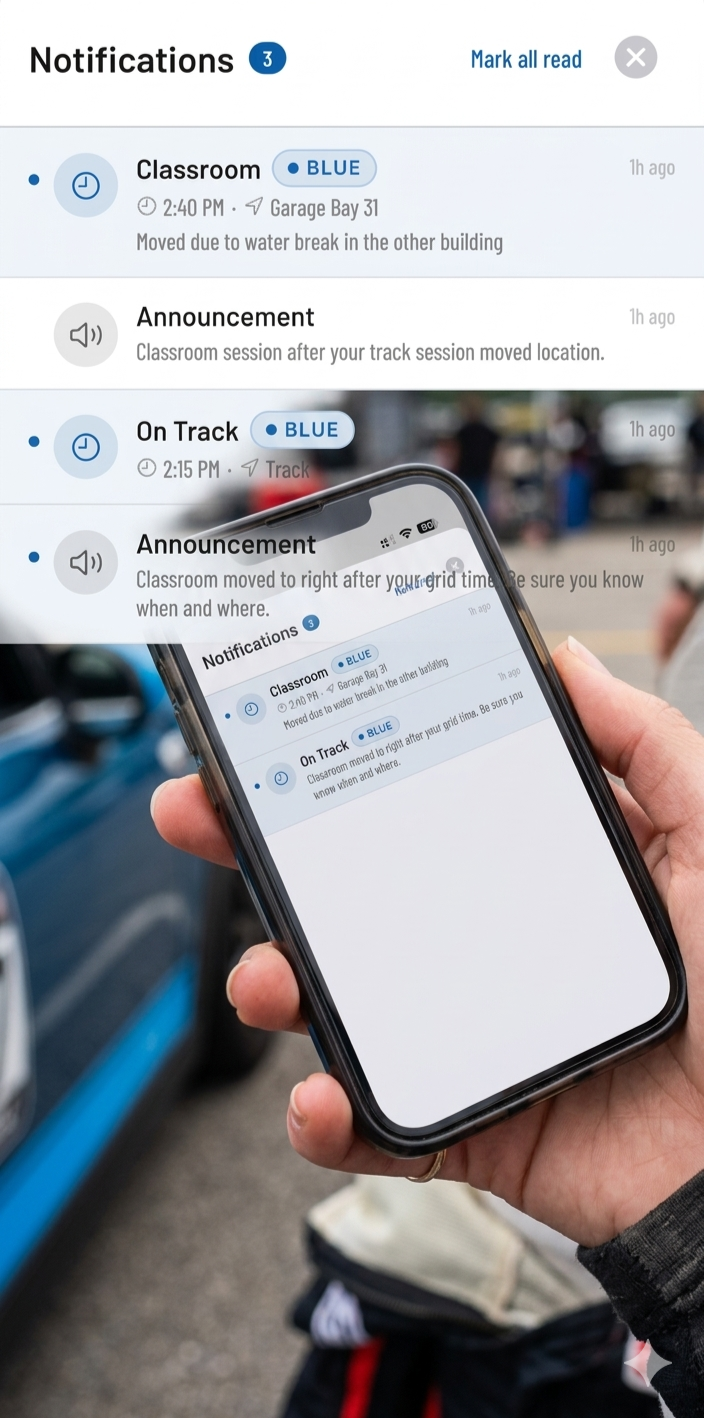
You don't have to manually type a single name. Track Time Alerts features a purpose-built import tool designed specifically for MotorsportReg data.
Simply export your standard Ordered Inventory file from MSR, and drop it straight into Track Time Alerts. Our system parses your drivers, maps them to their run groups, and builds your roster in seconds. Clean, painless, and ready to broadcast.
ClubReg
ClubReg roster import.
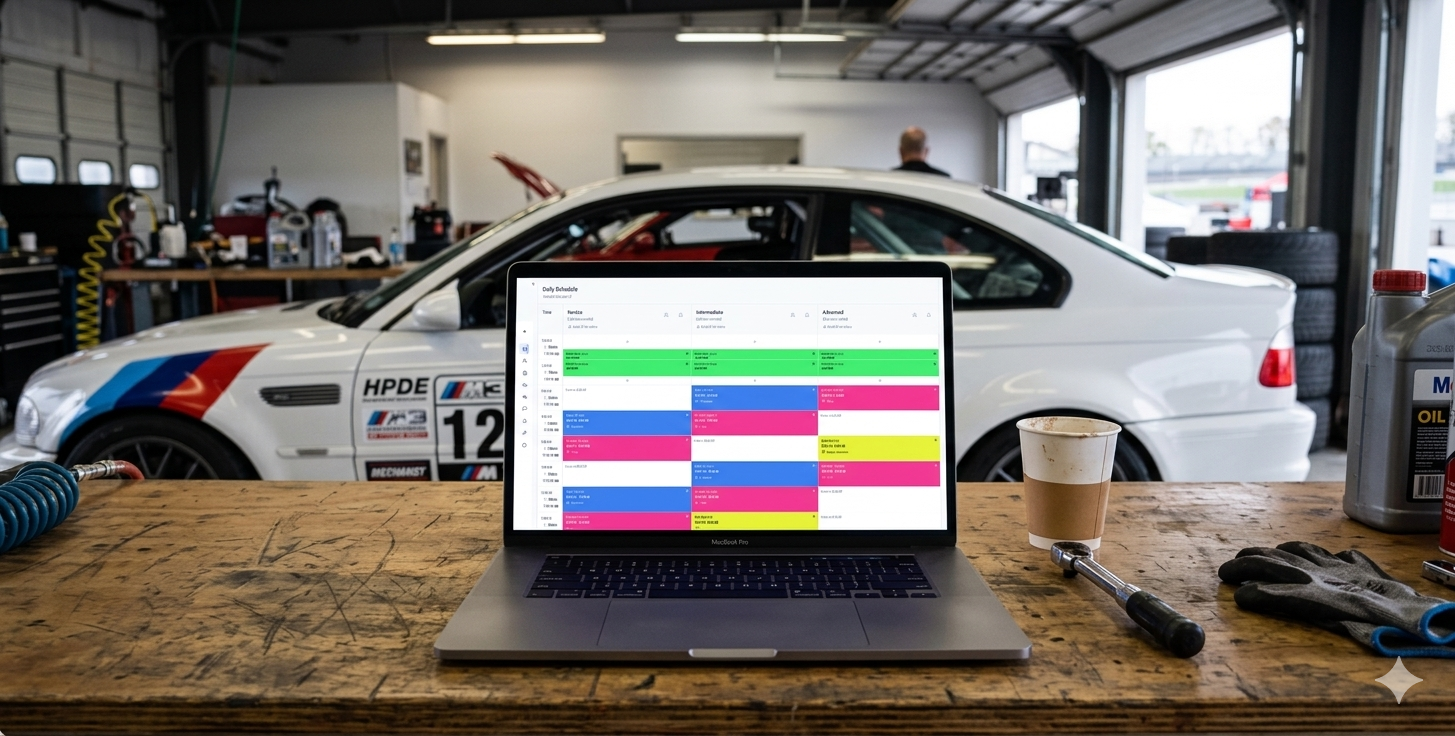
Export your roster from ClubReg as CSV or Excel and drop it in. The import wizard walks you through mapping the columns and run groups, shows you a preview, then builds your roster.
Any spreadsheet
Using something else?
The generic importer takes a roster from any CSV or Excel file. Map the columns once, preview, import.
Bring your roster over
Import your MotorsportReg or ClubReg roster and see your event in Track Time Alerts. Your first event is free.
We'll set up your first event with you, start to finish. I'm Andy, I built Track Time Alerts, and I answer the phone on event day. Plan on about an hour for that first event. After that, about 15 minutes, because you reuse the grid. That's about as long as building it in Excel, with the conflict checking done for you.