The challenge

Why HPDE communication is hard

Track days move fast, cell service is patchy, and most tools weren't designed around run groups.

  • The PA: hard to hear from inside a helmet, over wind and exhaust.
  • Group texts: carriers can delay them, and you pay per message, just when you need to send the most.
  • Registration tools (MotorsportReg, ClubReg): great at registration and payment. Event-day schedule changes aren't their job.
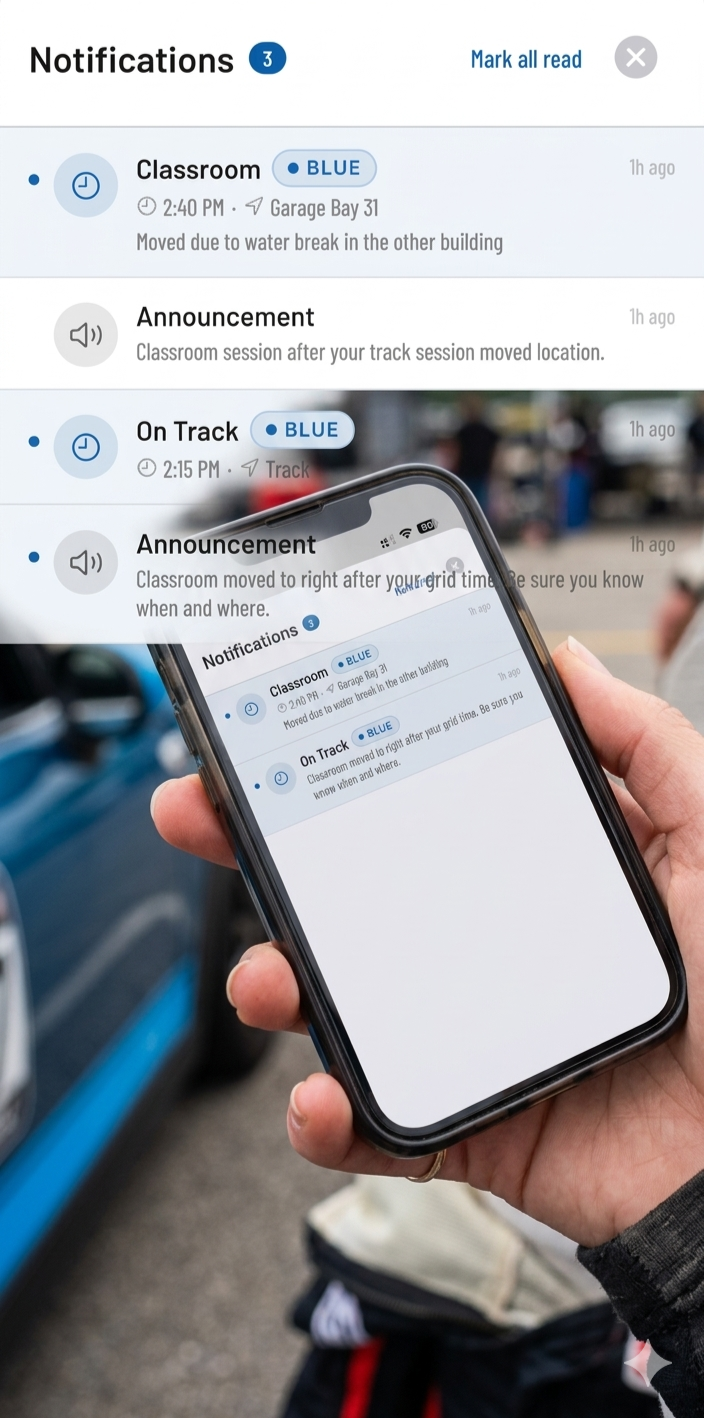
iPhone showing on-time broadcast notifications from Track Time Alerts

Built Specifically for Run Groups

Track Time Alerts isn't a generic messaging app. It's built around how an HPDE day runs: run groups, instructors, students and a schedule that moves.

Dynamic Instructor Pairings

Drivers see who their instructor is, with a photo of them and their car, the car number and contact info. Instructors get a tab listing their students for the day, with photos, car numbers and each student's schedule. One tap to call or email.

Alerts through the app, not texts

Send the 5-minute grid warning to a run group, a message to an instructor group, or a note to one driver. Alerts use the phone's own notifications, so they go out within seconds and cost nothing extra to send. An app alert doesn't wait in a carrier's text queue, so it's faster than a text.

Live "Hot Track" Dashboard

Drivers don't have to guess who is out there. The mobile app features a swipeable session carousel and a pulsing "Live" indicator that shows exactly which run group is on track right now.

For Event Chairs

The organizer's scheduler

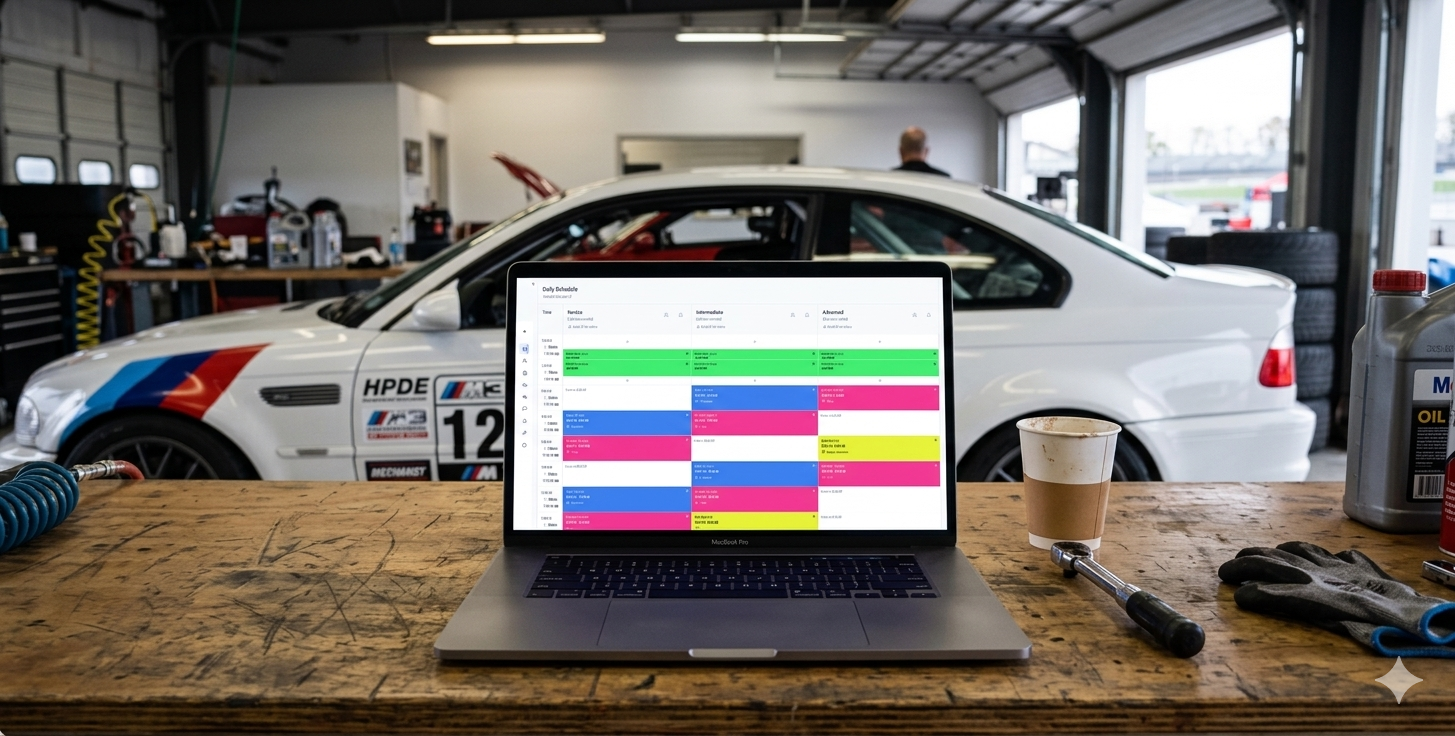
Build the day in the web-based admin portal, then run it from the tower or from the Admin app on your phone. Need a spreadsheet? Export to Excel any time.

  • Drag-and-Drop Scheduler: Build your run groups in columns and time slots in rows. Drag session templates onto the grid in seconds.
  • Conflict Detection: The system automatically flags location conflicts if two sessions overlap.
  • One-Click Day Copy: duplicate Saturday's schedule to Sunday in a single click.

Event Glovebox (add-on, $9.99 per event): track maps, tech forms, garage assignments and supps in one place for every driver, plus a photo or PDF in any broadcast. Drivers always have the latest version.

Drag-and-drop scheduler grid showing run groups across the event day

Everyone knows when they're on.

A smooth day is what drivers remember. Put the schedule in their pocket, and get fewer questions at your trailer.

We'll set up your first event with you, start to finish. I'm Andy, I built Track Time Alerts, and I answer the phone on event day. Plan on about an hour for that first event. After that, about 15 minutes, because you reuse the grid. That's about as long as building it in Excel, with the conflict checking done for you.